
Geo Zone – Enables you to search by geo zones and also create your own geo zones.
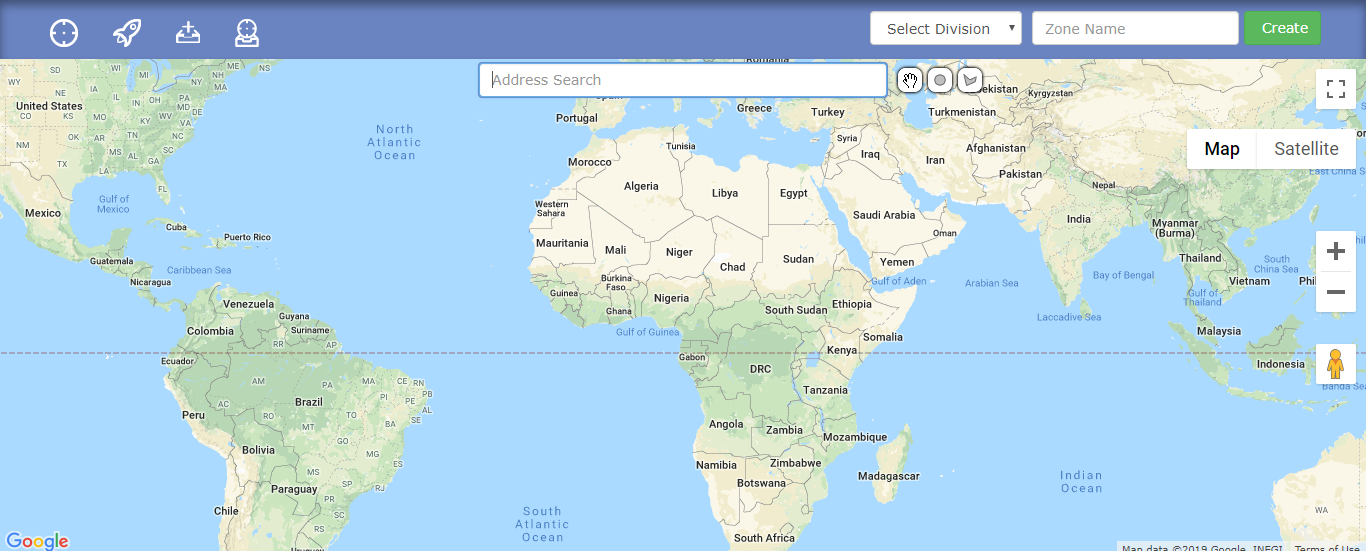
- To create a geo zone, initially select the division (located on the upper right-hand side) and then click on the circle below the selected division to select/draw a circle on the map. Lastly, enter the name of the geo zone and click on the green Create button.
- To view all of your zones click on the icon on the top left corner, there you can also filter them by their group. Additionally, you can also reassign the geo zone to another division, edit its location and perimeter on the map and delete it.
- To view all of your assigned geo zones, click on the rocket on the top left corner.
- If you want to create a new group, then you can do that by clicking on the 3rd icon (starting count from left).
- In case you have your geo zones on your computer and you want to import them, simply just click on the fourth icon (starting count from the left). You can also find instructions and samples there as well.
Last Update: March 20, 2020
March 17, 2020 52 jusuf User Guide
Total 0 Votes:
0
0
Tell us how can we improve this post?
Log In is required for submitting new question.