
Maintenance – On the maintenance section, you can create tasks that are related to maintenances that need to be performed within the organization.
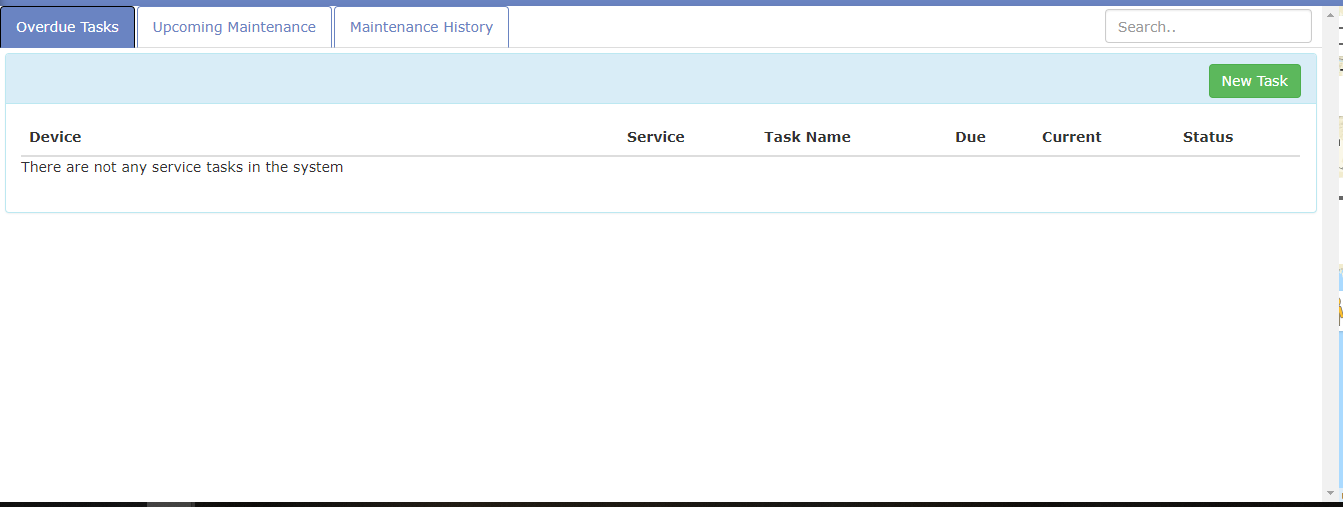
- To create a new task, click on the New Task button located on the upper right-hand side corner
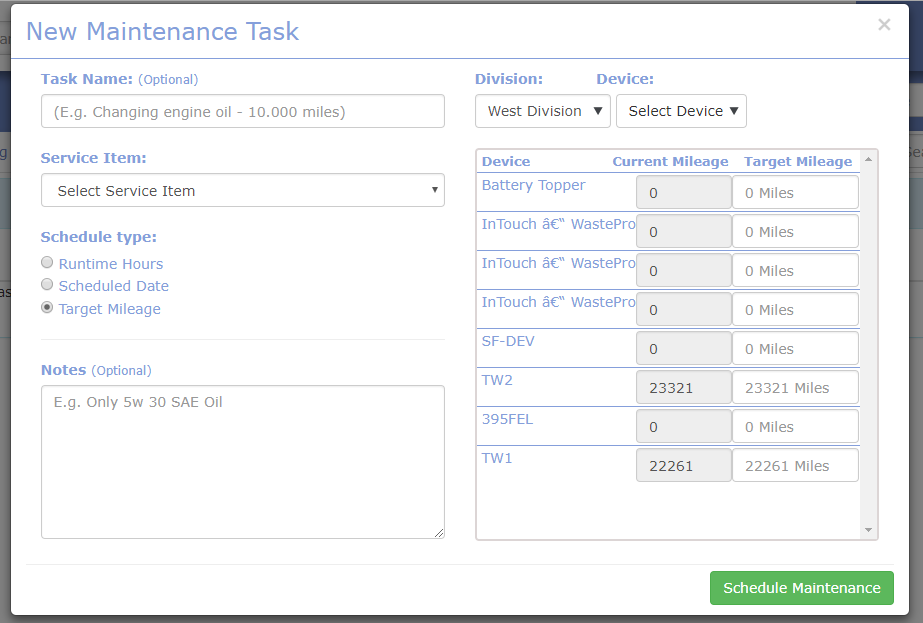
- Enter the name/ title of the maintenance task
- Select the service item
- Select the schedule type
- Enter the notes/details
- Select the division
- Select the device
- Depending on the selected schedule type, enter the relevant information on the right-hand side for the device and click on Schedule Maintenance on the bottom right corner.
Last Update: March 20, 2020
March 17, 2020 58 jusuf User Guide
Total 0 Votes:
0
0
Tell us how can we improve this post?
Log In is required for submitting new question.