
Analytics – Shows you the details/analytics for a selected device
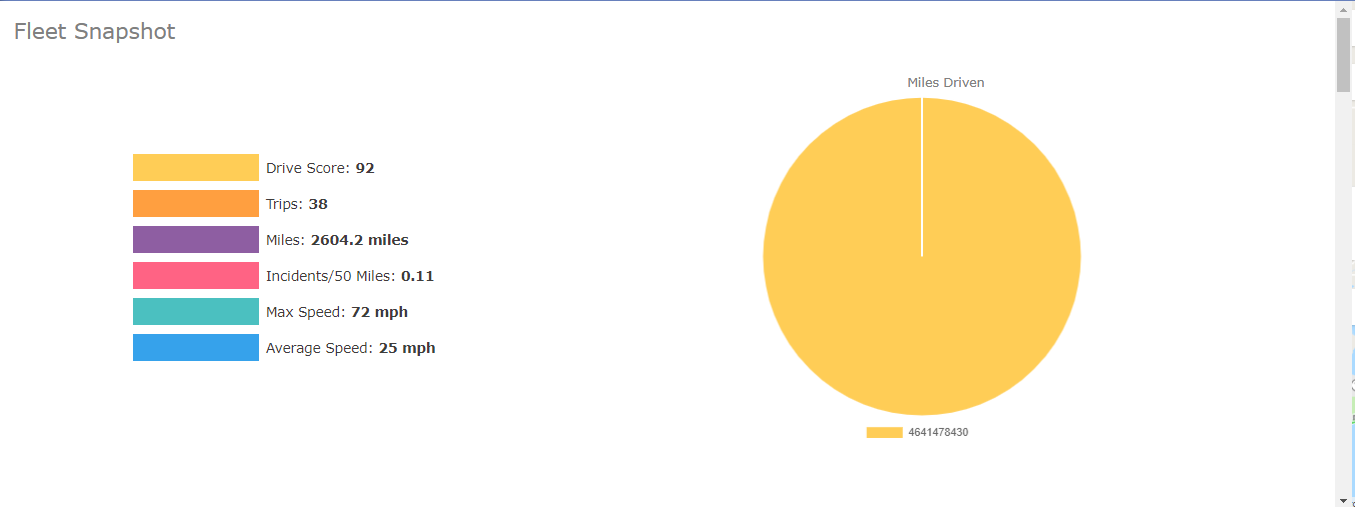
Depending on the selected filters, you will see information for the selected device like Driving Score, Trips, Miles, Incidents/50 Miles, Max Speed, and Average Speed.
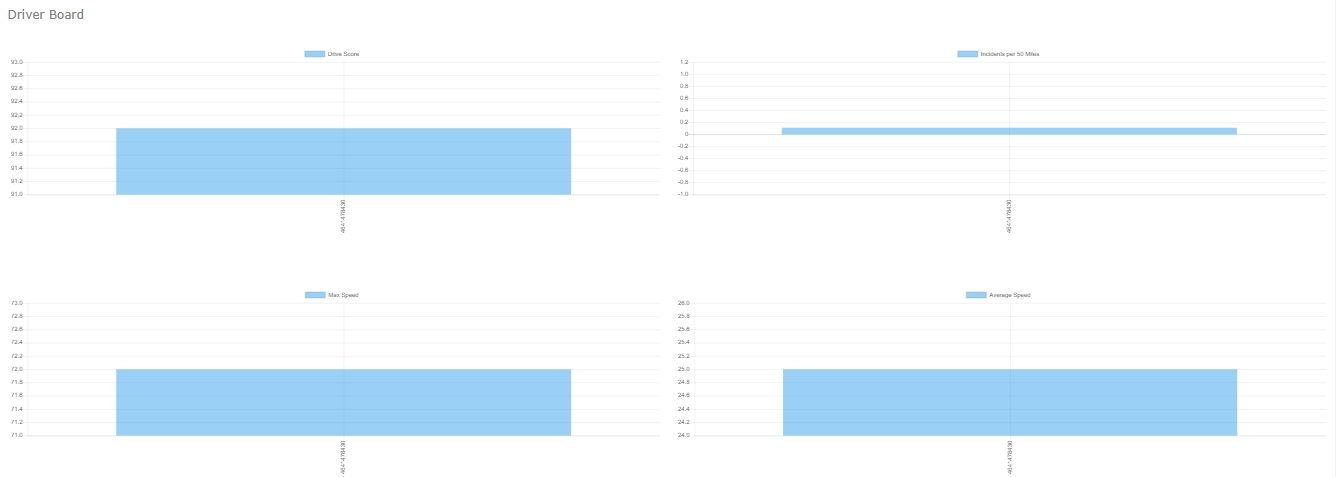
- Driver Board – Scrolling downwards on the Analytics tab, you will see your drivers’ board which contains information like Driver Score, Incidents per 50 Miles, Max Speed, Average Speed, Number of Trips, and Miles Drive.
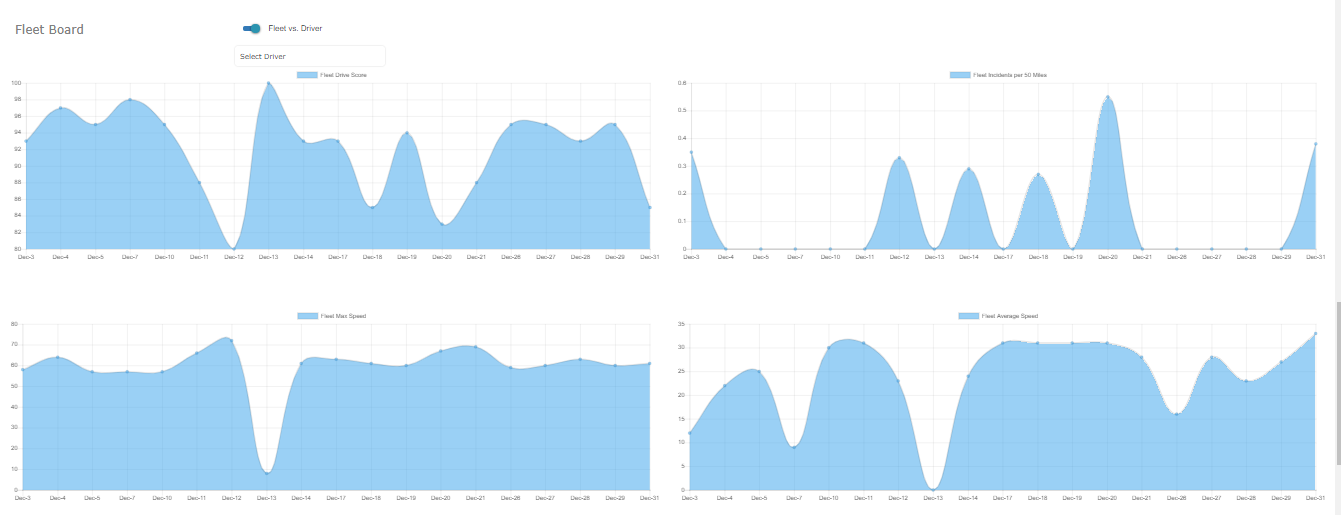
- Fleet Board – Should you want to compare your fleet resulted again a driver you can do that by scrolling further on and toggling the Fleet vs. Driver toggle on and then selecting the driver below.
Last Update: March 20, 2020
March 17, 2020 36 jusuf User Guide
Total 0 Votes:
0
0
Tell us how can we improve this post?
Log In is required for submitting new question.